A positive of the foot, from your iPhone.
Scan a foot in about a minute. Design the orthotic in your browser. Foot Positive turns an iPhone into a 3D foot scanner for podiatrists, orthotists and pedorthists. Scan around the sole, check the mesh, and save it to the client. Then export it, or design the device in Plantar.
- iPhone with Face ID
- No LiDAR or add-on sensor
- STL · PLY · OBJ
Built by a practising podiatrist in Brisbane, for the people who make foot orthoses every day
- Podiatrists
- Orthotists
- Pedorthists
- Orthotic labs
A digital positive, without the plaster or the foam box
A 3D scan you can take anywhere you take your phone: the clinic, a home visit, an aged-care room.
The phone you already own
Uses the Face ID depth camera. No scanner to buy, charge or calibrate.
Guided, even when you cannot see the screen
Live distance, an outline to line up the sole, spoken prompts and haptic ticks.
Private by design
Clients and scans live on the iPhone. Nothing leaves it until you export.
Everything between the foot and the file
Get a full scan the first time
Line the sole up with the outline. The distance pill turns green in the sweet spot. Then move slowly under and around the foot while the coverage ring fills.
- Standard (20–40 cm) and Fine (20–25 cm) quality
- Plantar surface or full foot
- Spoken prompts and haptic ticks
Every scan filed with the right client
Clean, native iPhone screens. Add a client with a shoe size, then keep every left and right scan under their name. Search, swipe to delete, done.
- Shoe size in EU, UK or US
- Scan history with date, side and type
- Saved on this iPhone only
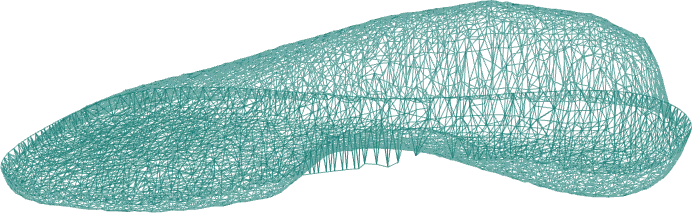
A textured 3D mesh, ready to send
The mesh is built on the phone, cropped to the foot, with a colour photo texture. Share it the way your lab or CAD software wants it.
- STL, PLY, and OBJ with photo texture
- Share, Save to Files, Email: send both feet at once
- Wireframe and photo views
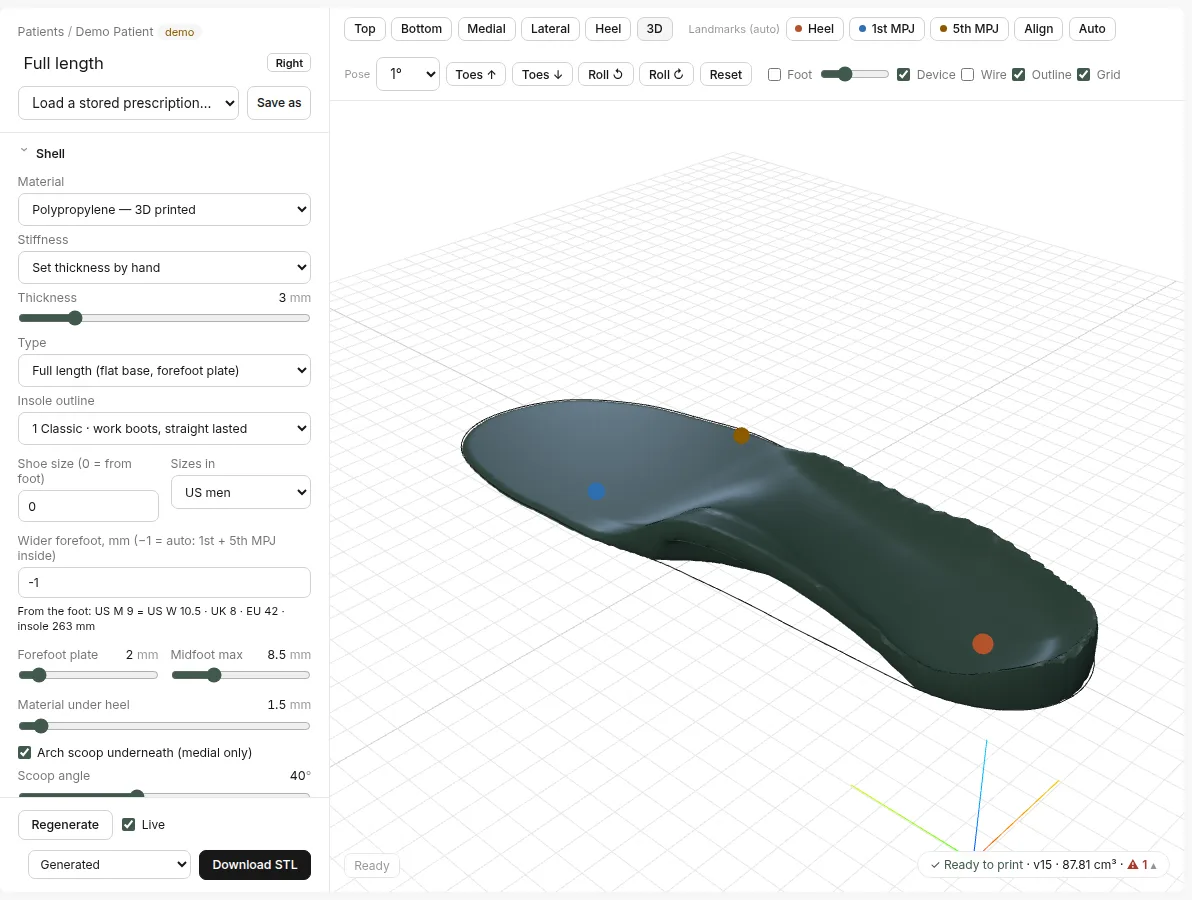
From scan to custom orthotic, in the browser
Open the scan in Plantar and shape the device with sliders: shell thickness, heel cup, arch fill, forefoot plate and additions such as metatarsal domes. It regenerates live.
- Rigid shells and full-length devices
- Additions: met domes and more
- Print-ready STL
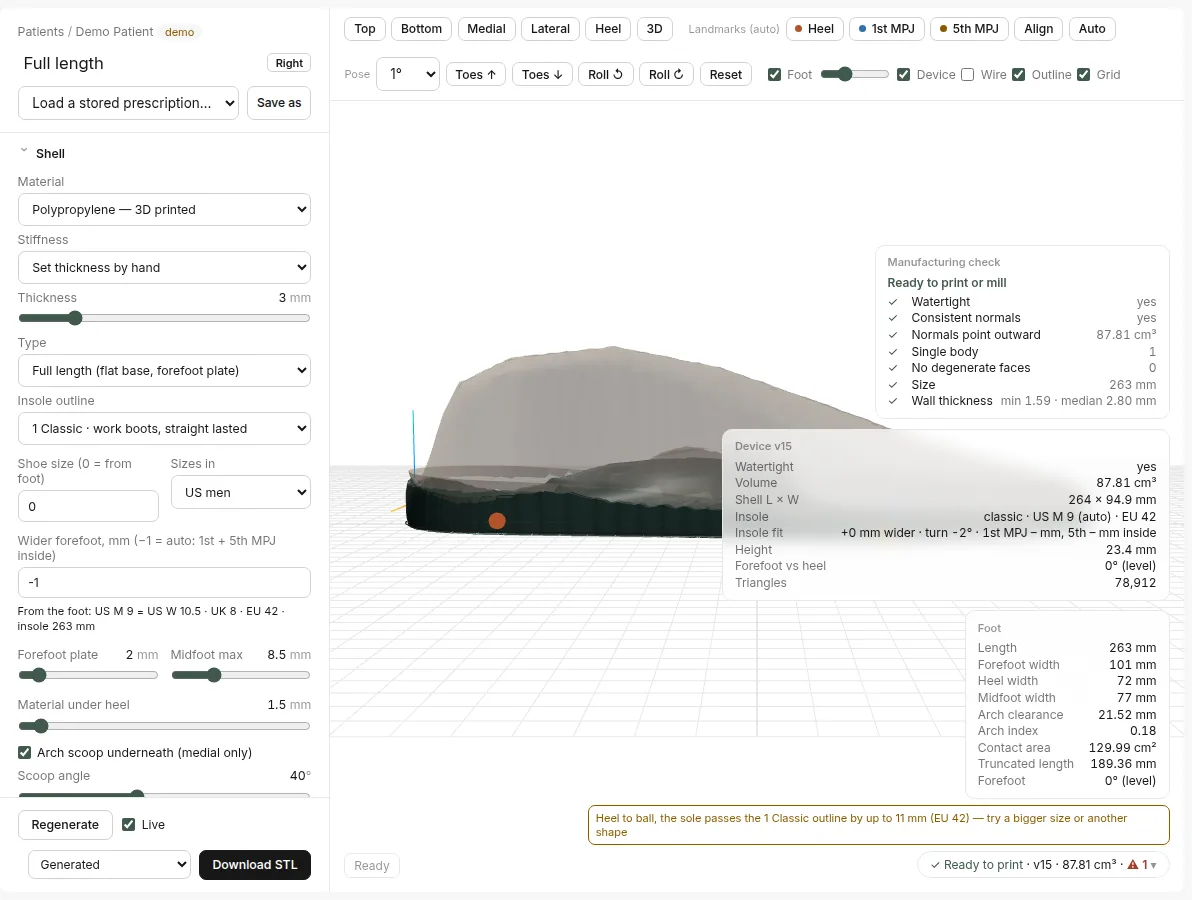
Know it will print before you send it
Every design is checked before download: closed surface, consistent normals, one body, no broken faces, and wall thickness. Problems show up in plain words.
- Watertight and single-body checks
- Minimum and median wall thickness
- Clear warnings when the shell does not fit the insole outline
Four steps, about a minute
From the client list to a saved 3D foot.
Choose the foot
Open the client and tap New Scan. Choose Sole or Full foot, and Standard or Fine. Then tap the foot.
~5 secondsScan around the sole
Fit the sole to the on-screen outline, then move slowly under and around the foot. Voice and haptic cues keep you at the right distance.
~20–40 secondsCheck the 3D mesh
The phone builds the mesh with a colour photo texture. Turn it, check coverage, and rescan if you need to.
a few secondsSave, export, design
Scan the other foot. Both feet are saved to the client as one dated set. Send both feet at once: Share, Save to Files, Email.
when you are ready
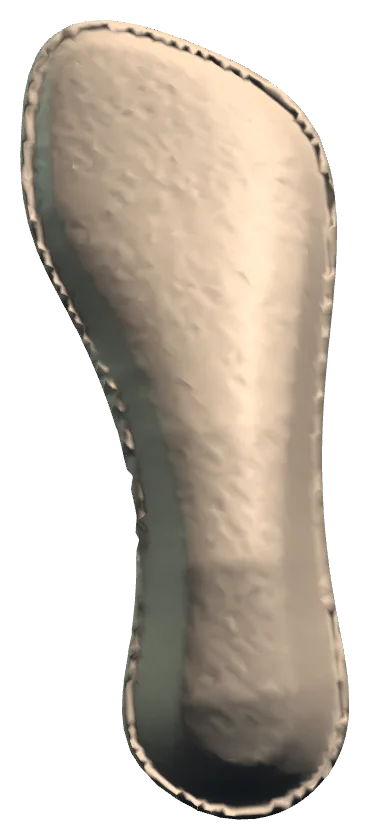
Turn the device around
This is a real Plantar output: a full-length shell designed on a synthetic test foot. Drag to turn it. Switch to the foot scan to see what it was built from.
- Exported from Plantar as a print-ready STL
- Passed every manufacturing check
- Synthetic demo geometry, not a patient
Wherever you see feet
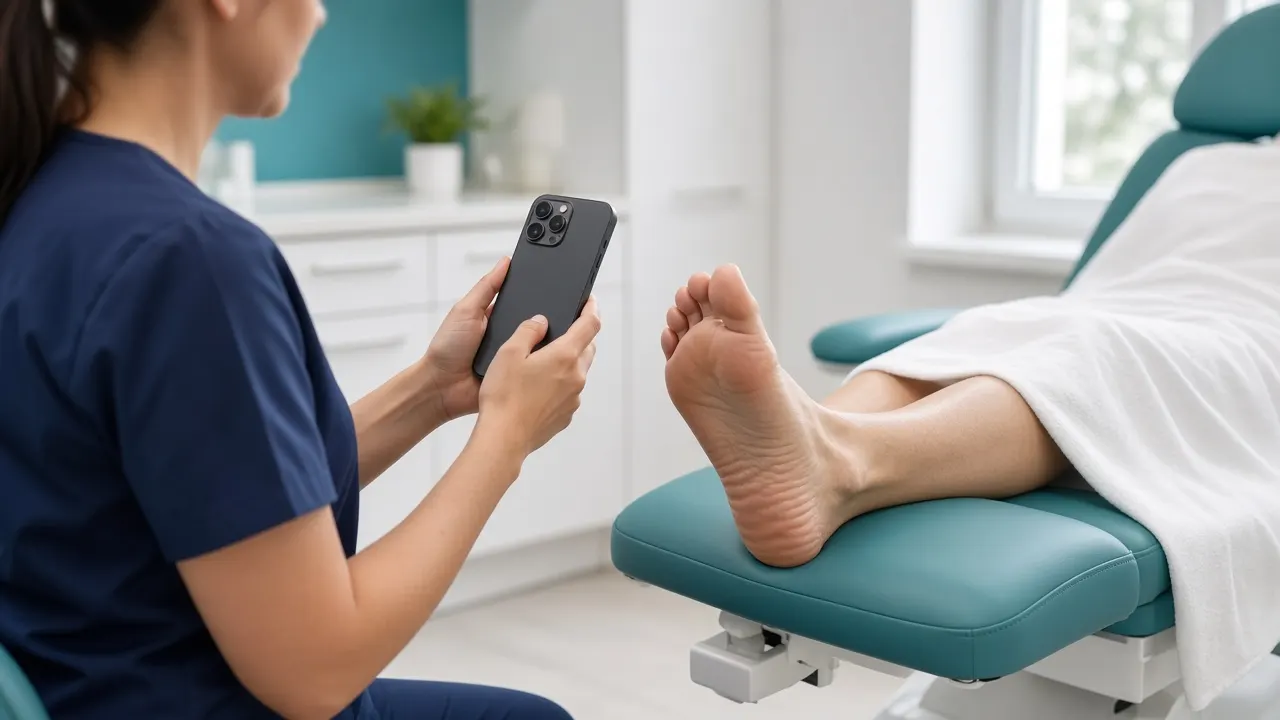
In the clinic
Scan in the chair during the consult, instead of a separate casting appointment.
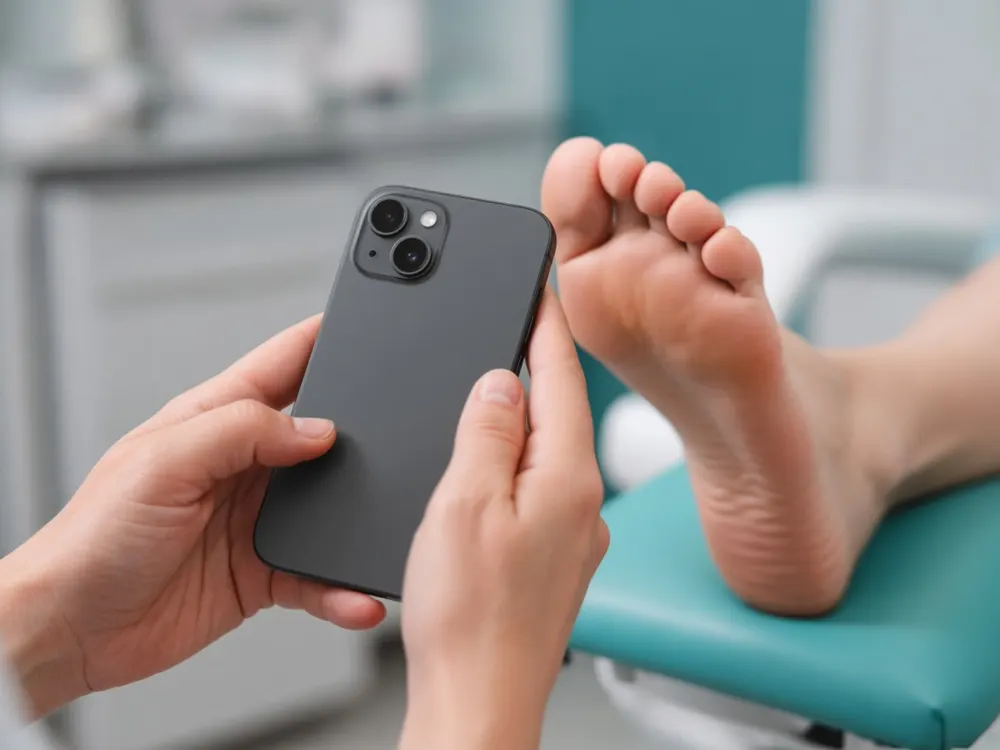
Home and aged-care visits
Your phone is the whole kit. No foam boxes or plaster in the car.
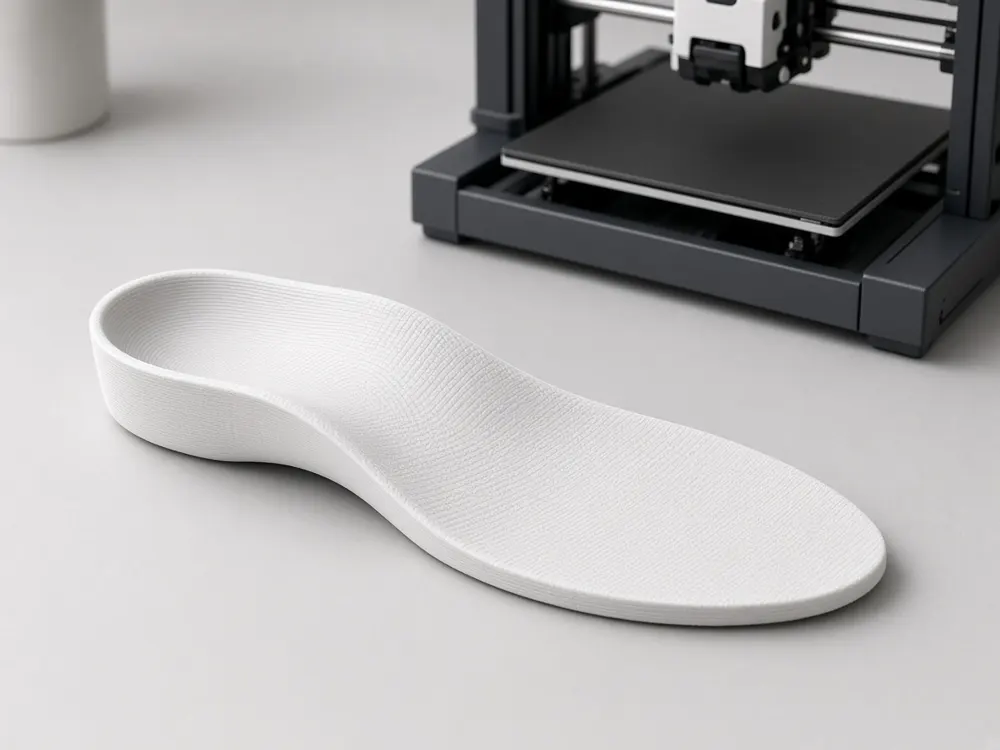
In-house printing
Design in Plantar and print the shell in your own clinic.
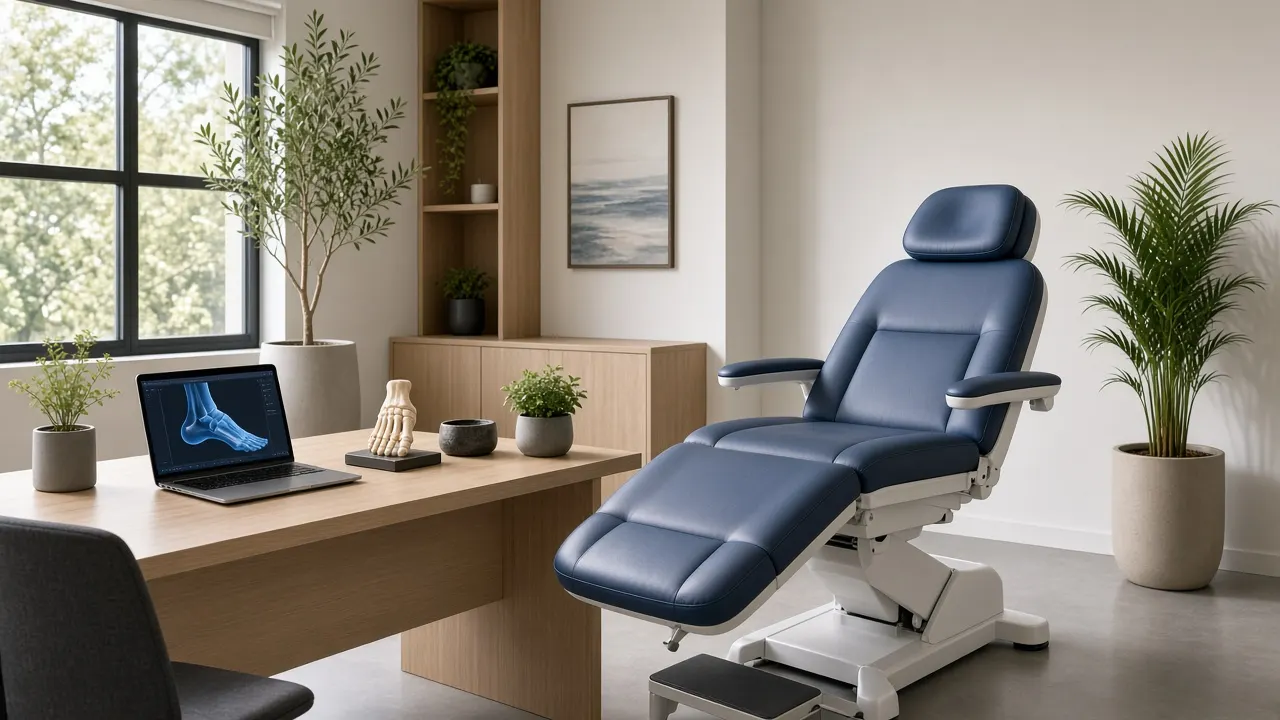
Sending to a lab
Export a clean STL, PLY or OBJ and send it to the lab you already use.
Photographs are AI-generated illustrations, not real clinics or clients.
Made for clinicians who prescribe and make foot orthoses
Built by a working podiatrist who designs devices every week. Australia first, then the UK and the US.
- PodiatristsCustom orthoses and offloading
- OrthotistsFoot and ankle devices
- PedorthistsFootwear and insoles
- Orthotic labsAccept scans from clinics
Pricing coming soon
Join the beta for early-access pricing.
Common questions
Does it need a LiDAR iPhone or extra hardware?
No. Foot Positive uses the TrueDepth camera, the one behind Face ID. It works best 20–40 cm from the foot, which is closer than LiDAR can resolve well. No clip-on sensor is needed.
Because the TrueDepth camera is on the front, the screen faces the foot while you scan. Spoken prompts and haptic ticks tell you when you are at the right distance.
Which iPhones are supported?
iPhones with Face ID running iOS 17 or later.
How long does a scan take?
About a minute from tapping New Scan to a saved 3D mesh. Fine quality takes a little longer because you work closer to the sole (20–25 cm).
Where are the scans stored?
On the iPhone, with the client record. They are not uploaded anywhere unless you export or share them. You can see the files in Files › On My iPhone › Foot Positive.
What file formats can I export?
STL and PLY for the shape, and OBJ with a JPG photo texture. From the client page, send both feet at once: Share, Save to Files, Email. Send them to your lab or CAD software.
Does it diagnose or measure anything clinically?
No. Foot Positive is a 3D scanning and design tool for clinicians. It does not diagnose, assess or recommend treatment. You judge the scan and make every clinical decision.
Join the beta
We are opening the iPhone beta to a small group of clinicians in Australia first, then the UK and US. Tell us about your practice and we will send a TestFlight invite.
- No hardware to buy
- Scans stay on your iPhone
- Direct line to the podiatrist who builds it